You-Eye UX
Gesture control for 3D objects on 2D screens, using the front-facing camera.
- Year
- 2021
- Role
- Interaction Designer, Prototyper
- Tags
- HCIGesture RecognitionUIUX design
Can the front-facing camera make 3D objects on a 2D screen feel touchable?
Every laptop and phone ships with a front-facing camera, yet 3D objects on screen are still dragged with a mouse. You-Eye UX prototypes the alternative: hand gestures read by that camera, mapped to rotate, scale, and move the object you are looking at.
Can the front-facing camera make 3D objects on a 2D screen feel touchable?
Every laptop and phone ships with a front-facing camera, yet 3D objects on screen are still dragged with a mouse. You-Eye UX prototypes the alternative: hand gestures read by that camera, mapped to rotate, scale, and move the object you are looking at.
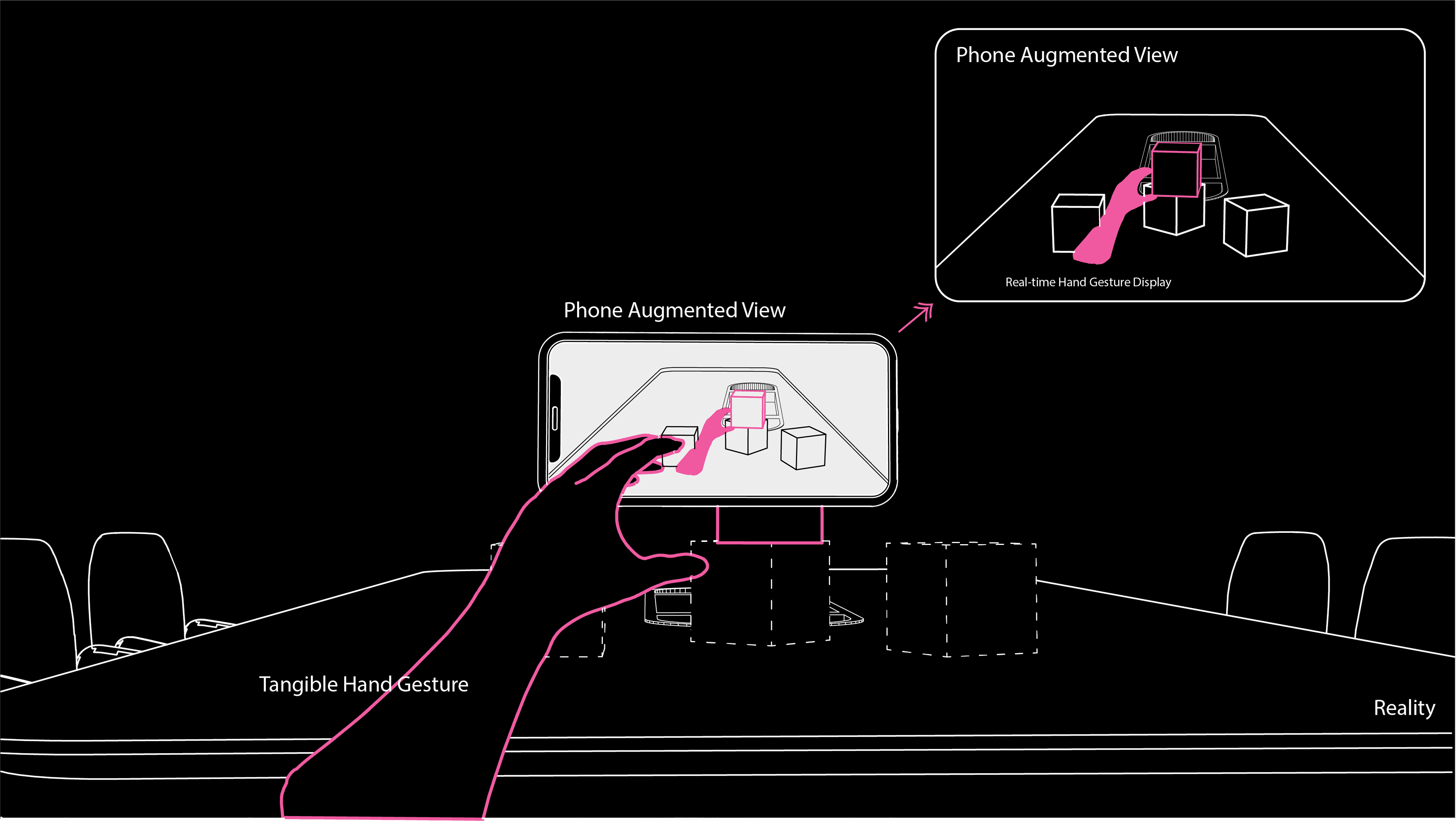
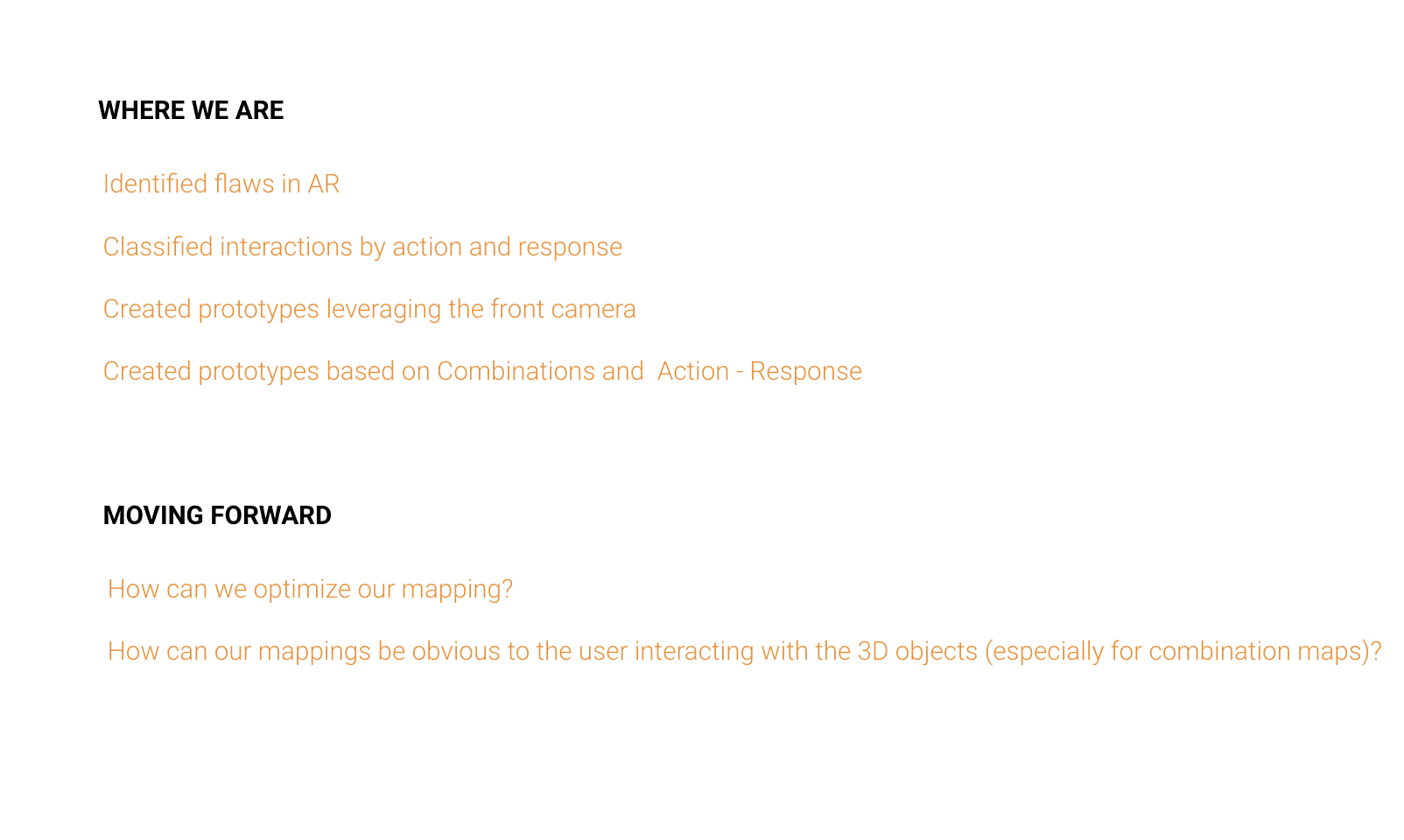
The starting question: can we capitalize on the front-facing camera and gesture recognition for more intuitive interaction with 3D objects seen through 2D screens?
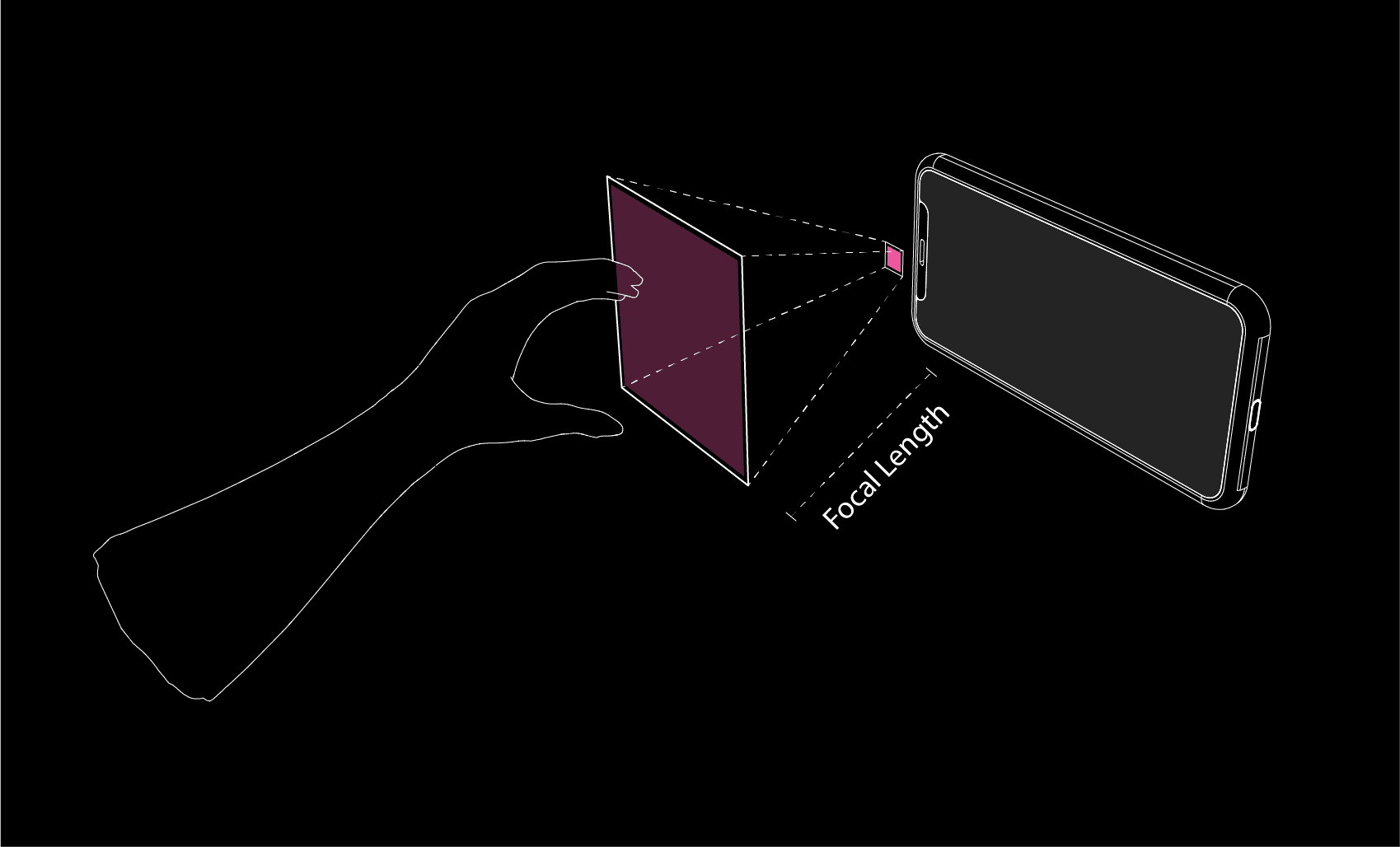
We studied where hands beat the mouse and where they lose. Coarse spatial moves are faster in the air. Precision still belongs to the cursor.
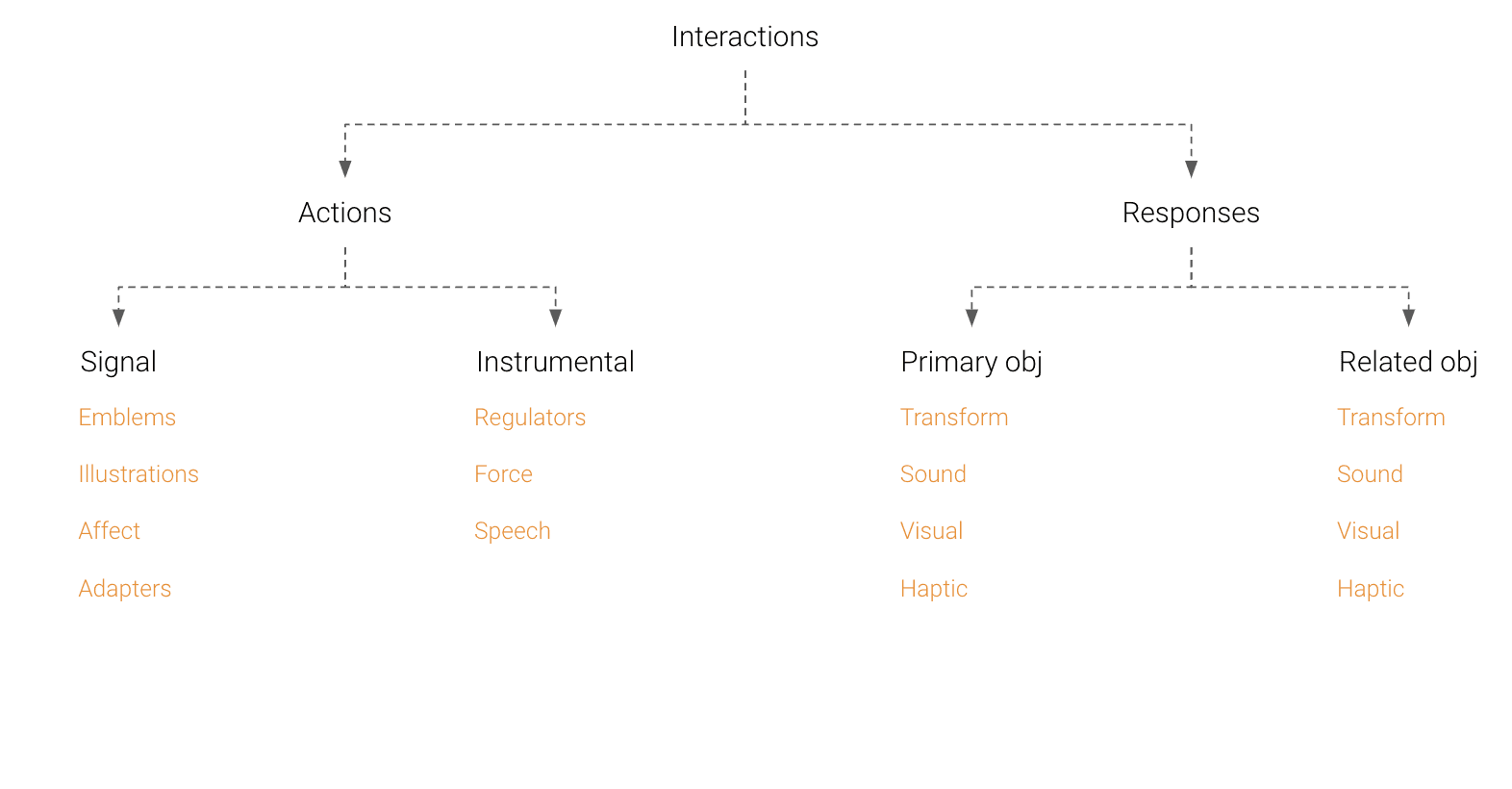
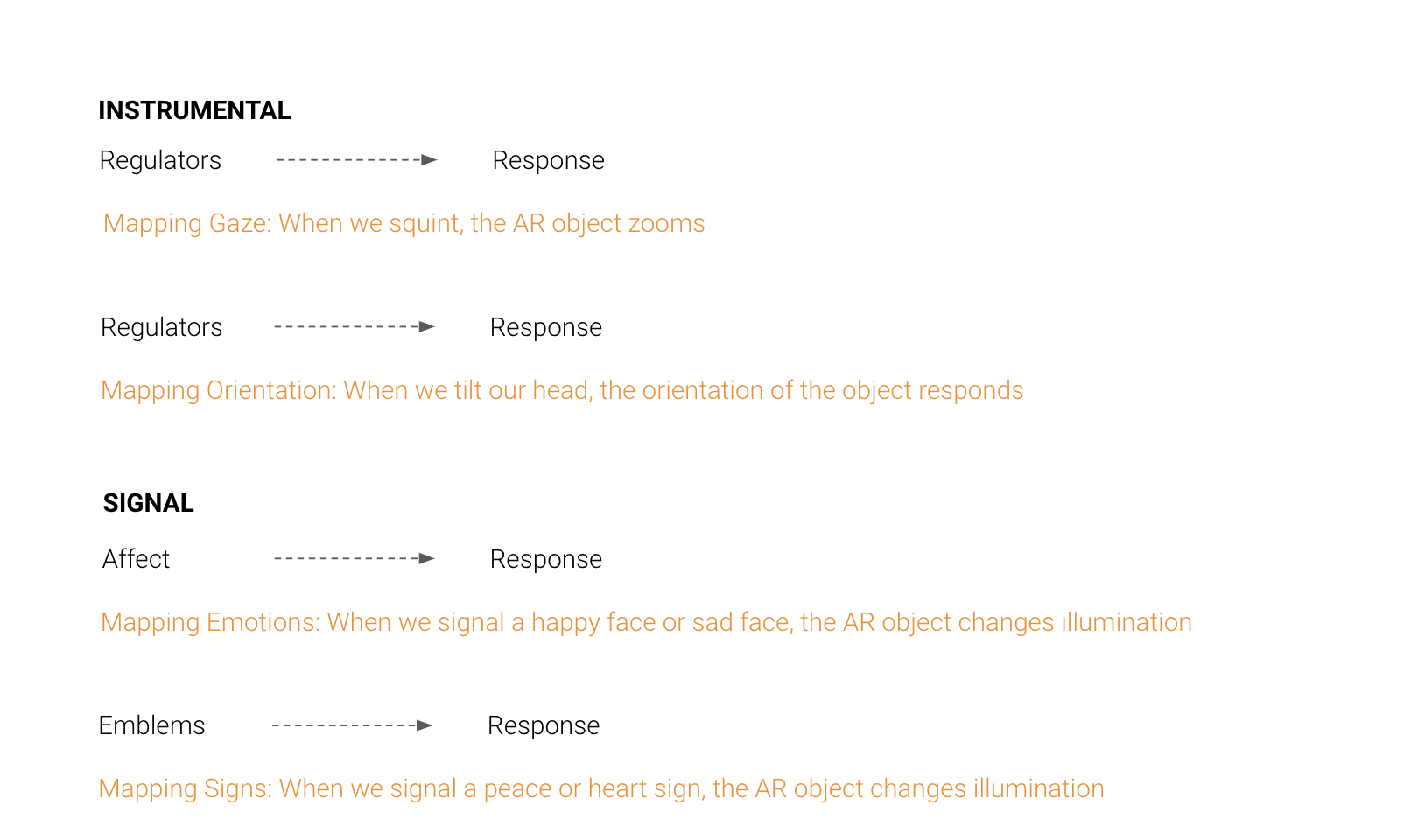
The interaction flow keeps the gesture set small: pinch, drag, spread. A small vocabulary holds up against the camera's recognition error rate.
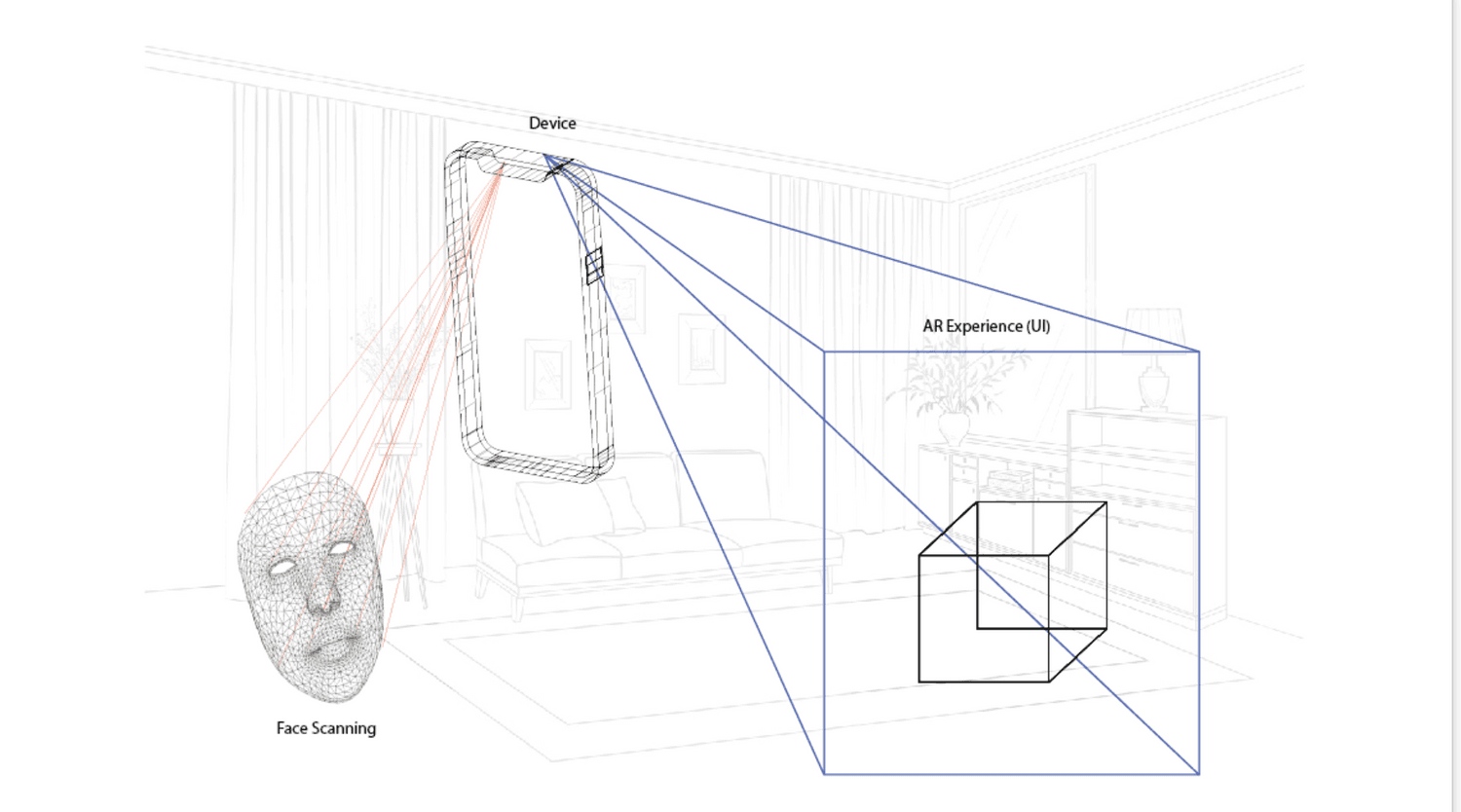
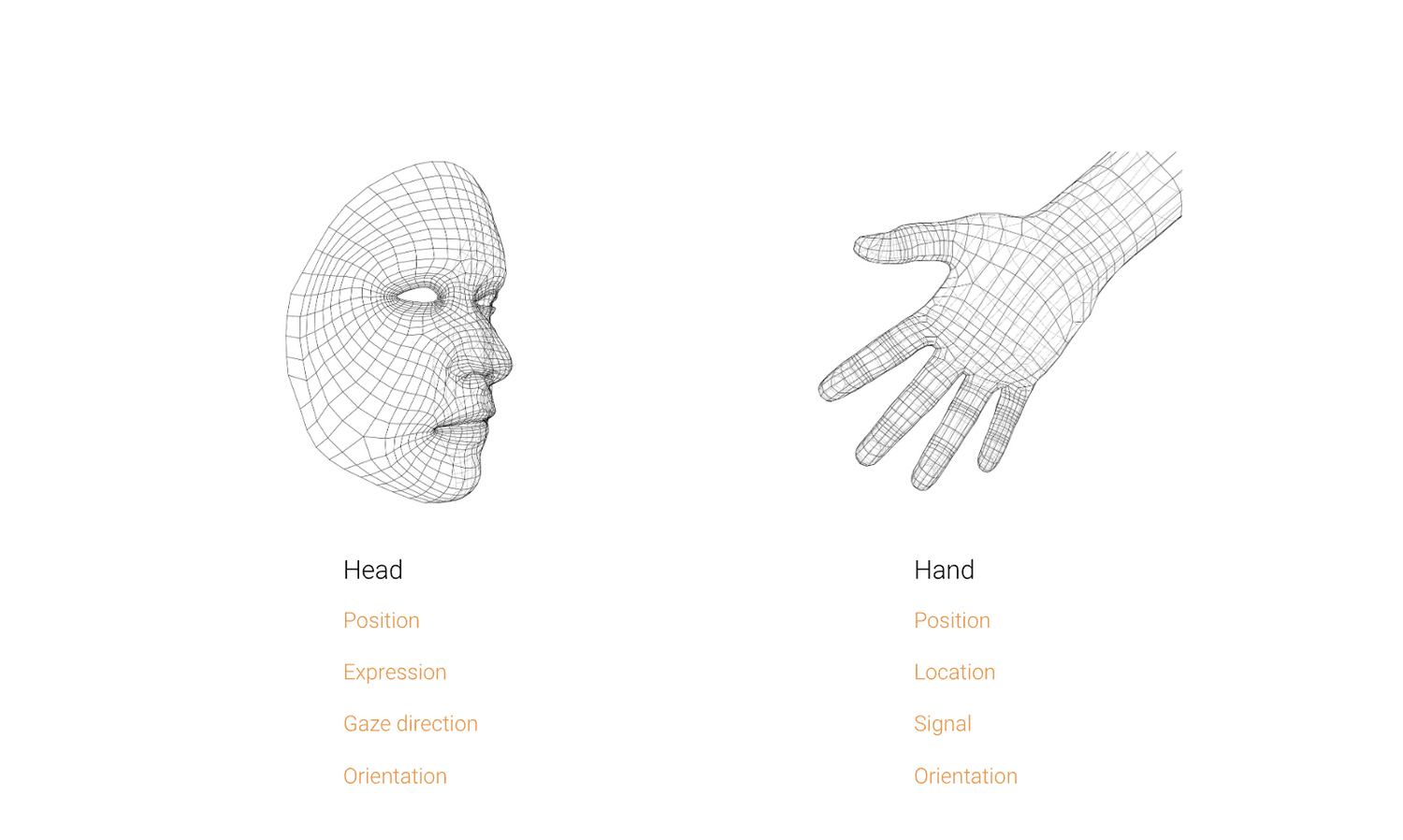
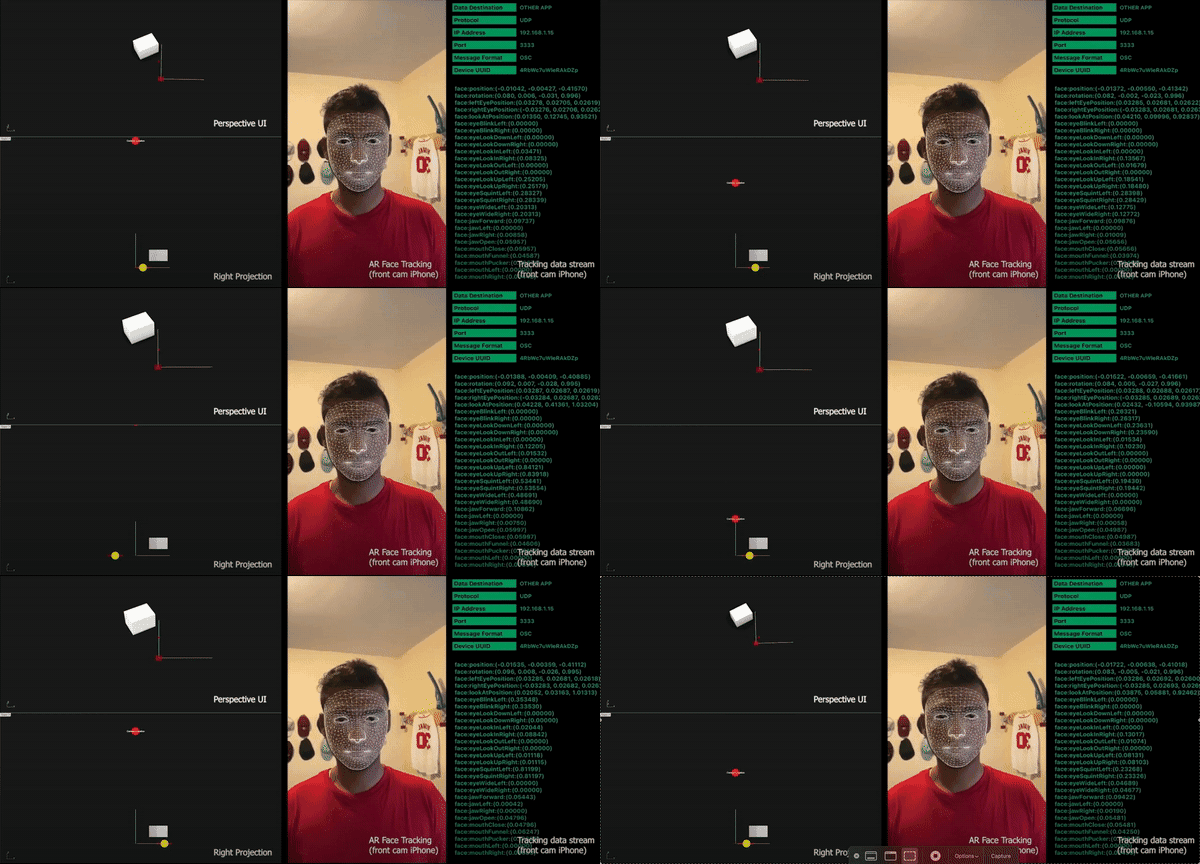
The working prototype runs SparkAR hand tracking wired into Unity. Gestures in front of the laptop move the object on screen.
Credits
- Team
- Joseph Wu, Aishwarya Sreenivas, Vishal Vaidhyanathan
- Context
- Harvard GSD ADV9672: Proseminar in Mediums, Fall 2021
- Professor
- Allen Sayegh
- Tools
- SparkAR, Unity, C#